Creating Your Account
Setting up your Arconomy account takes just a few minutes. This guide walks you through the sign-up process, email verification, and your first look at the dashboard.
Requirements
Before you begin, make sure you have the following:
- A modern web browser (Chrome, Firefox, Safari, or Edge — latest two versions recommended).
- A valid email address for account verification.
- A stable internet connection.
Arconomy is a web-based platform. There is nothing to download or install — everything runs in a secure cloud environment and on your browser.
Step 1: Navigate to the Sign-Up Page
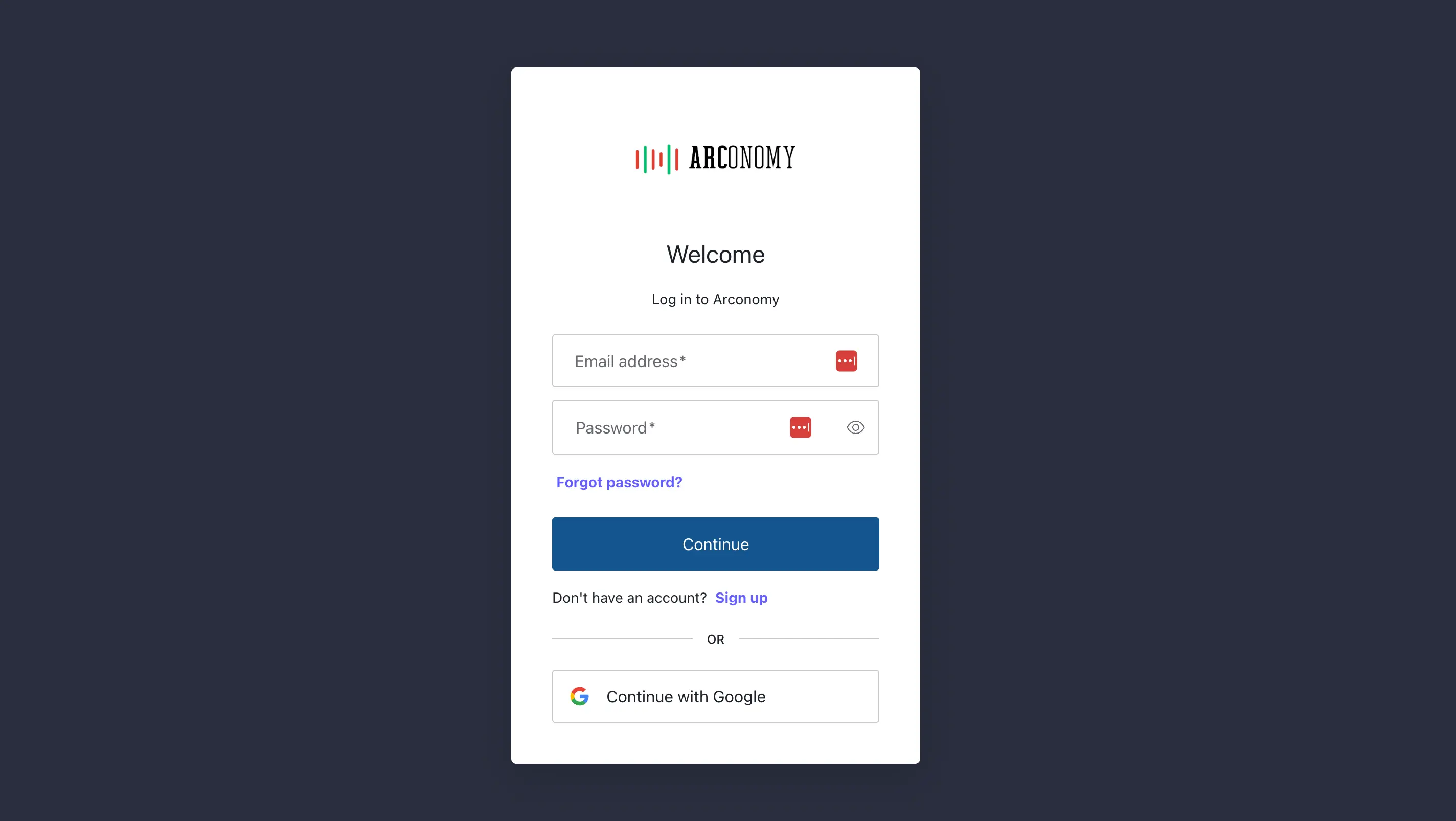
Open your browser and go to trade.arconomy.app. You will see the Arconomy login screen. Click the Login or Sign Up link below the login form to begin creating your account.

Step 2: Enter Your Details
On the sign-up form, enter the following information:
- Full name — Your first and last name.
- Email address — This will be your login email and where verification and account notifications are sent.
- Password — Choose a strong password with at least 8 characters, including a mix of uppercase letters, lowercase letters, numbers, and symbols.
Review the terms of service, then click Create Account to proceed.
Use a password manager to generate and store a strong, unique password for your Arconomy account. This is the easiest way to maintain good security practices.
Step 3: Verify Your Email
After submitting the sign-up form, Arconomy will send a verification email to the address you provided. Open your email inbox and look for a message from Arconomy with the subject line "Verify your Arconomy account."
Click the Verify Email button in the email to confirm your account. This will redirect you back to the Arconomy platform, where you will be automatically logged in.
If you do not see the verification email within a few minutes, check your spam or junk folder. If it still does not appear, return to the login page and use the "Resend verification email" option.
Step 4: Your First Login
Once your email is verified, you will land on the Arconomy dashboard. This is your home base — the central hub from which you can access every feature of the platform.
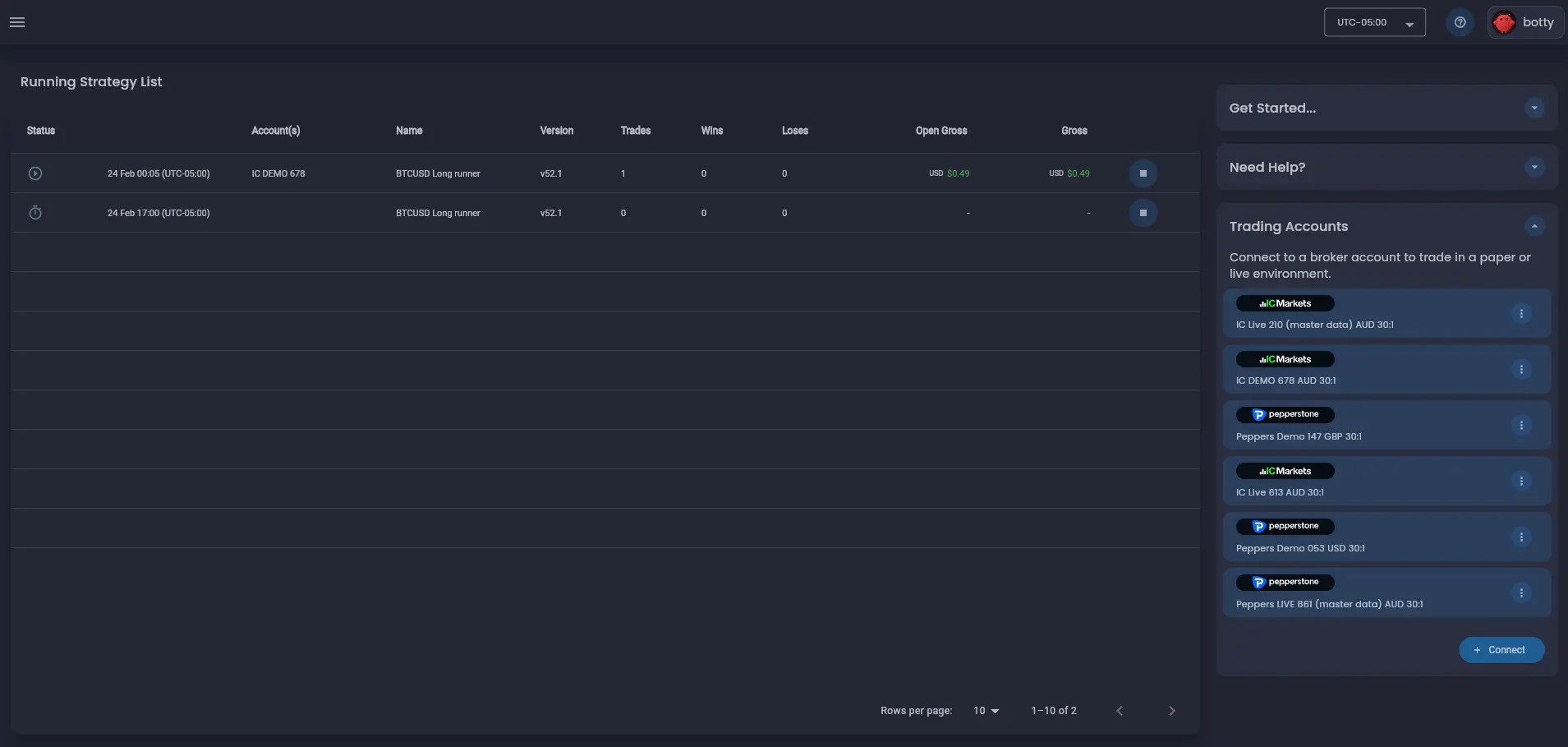
Dashboard Overview
The dashboard gives you a high-level view of your account and activity. Here is what you will see on your first visit:
Strategies Panel
The strategies panel is front and centre on the dashboard. On a new account, this area will be empty with a prompt to create your first strategy. As you build strategies, they will appear here as cards showing the strategy name, status, and key performance indicators.
Recent Backtests
Below the strategies panel, you will find the recent backtests section. This displays the results of your most recent backtest runs, including completion status, the strategy tested, and a summary of key metrics. It will populate once you run your first backtest.
Account Status
In the top-right area of the dashboard, you will see your account profile avatar. Click on this to view your profile information and manage your subscription.
Quick Actions
The dashboard provides quick action buttons that let you jump directly to common tasks:
- Create New Strategy — Opens the Strategy Designer with a blank canvas.
- Connect Broker — Opens the Broker Connections page to link your brokerage account.
Free 30-Day Trial
Every new Arconomy account includes a free 30-day trial with full access to all platform features. During your trial, you can:
- Create unlimited strategies using the full rules library.
- Run backtests with real historical tick data.
- Use all trade analysis tools, including event-level replay and rule state visualisation.
No credit card is required to start your trial. At the end of 30 days, you can choose a plan that fits your needs. See the Pricing page for available plans, or read more about Plans & Pricing in the docs.
Your strategies and backtest results are preserved even after the trial ends. You will not lose any work — you just need to select a plan to regain access to the platform's features.
Next Steps
Now that your account is set up and you have access to the dashboard, it is time to explore the platform. The next section provides a comprehensive tour of every major area of the Arconomy interface.
Was this helpful? Let us know